Editing Widget Configuration
Once a widget has been created and added to a dashboard, you are free to edit its configuration at any time:
1. Open the Widget Menu
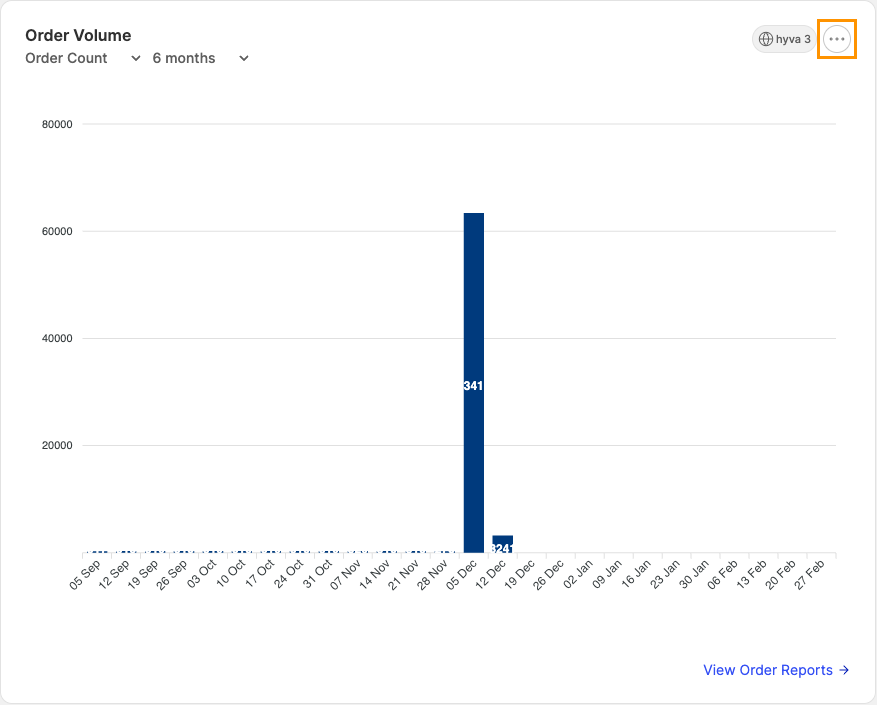
Each widget contains an action menu that can be opened by clicking the ellipsis displayed in its top-right corner.
2. Select the Edit Action
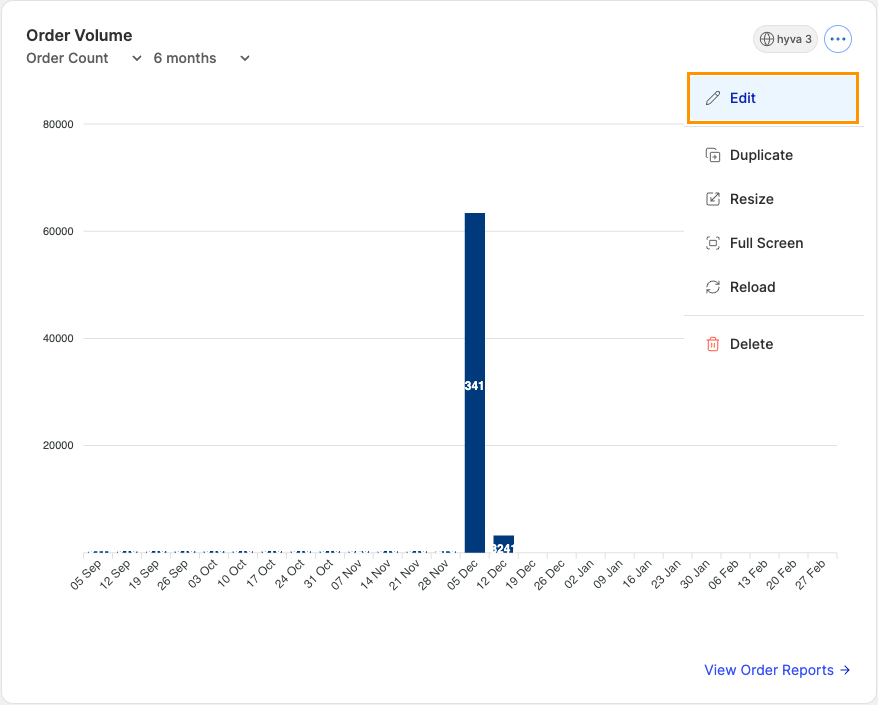
With the widget menu open, locate and select the Edit option.
3. Update the Configuration
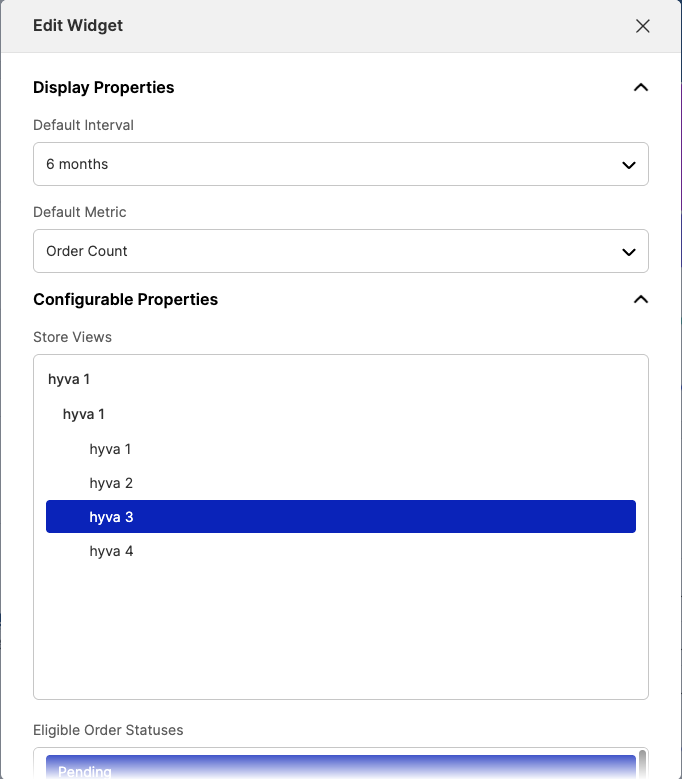
Tweak any of the configuration options for the widget.
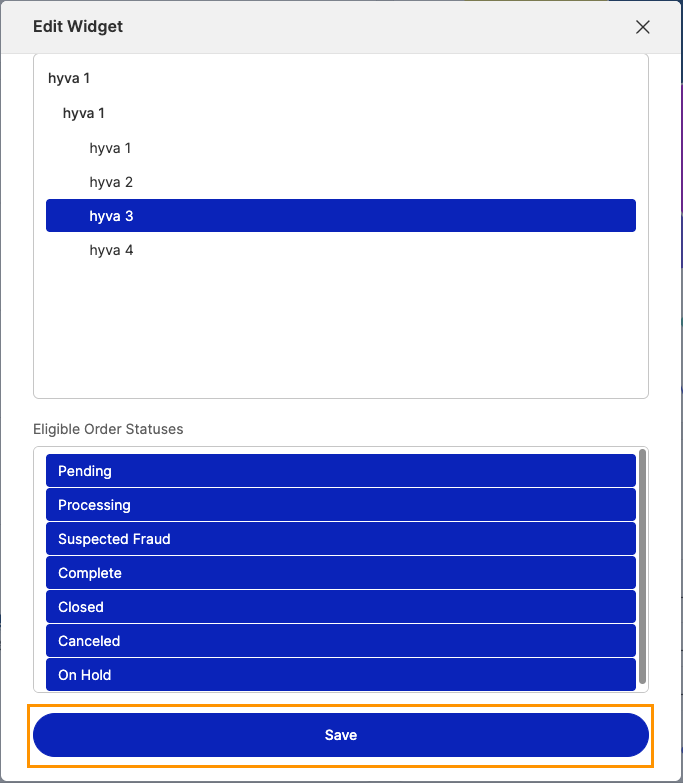
4. Save the Widget