Hyvä CMS
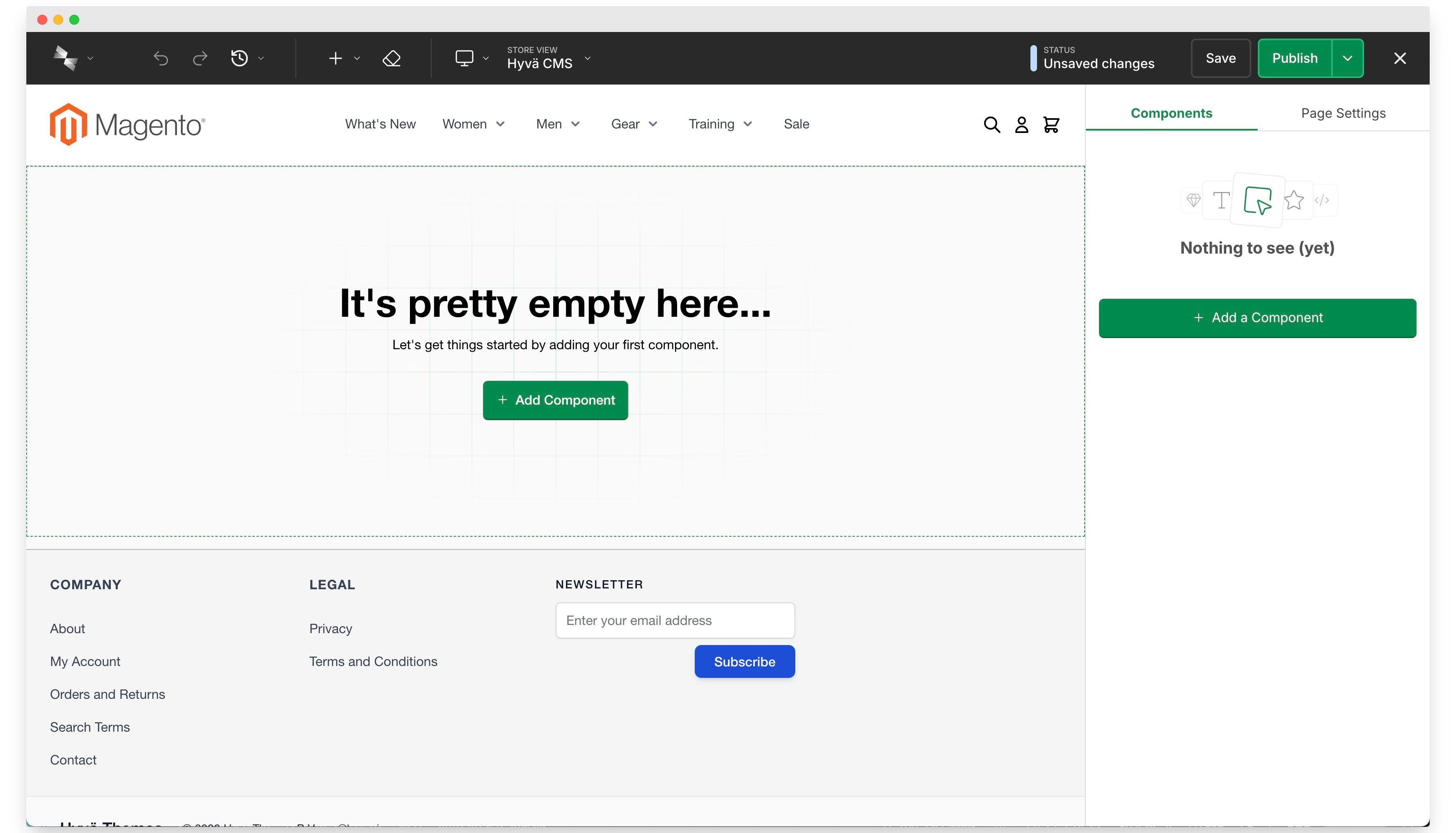
Hyvä CMS is a component-based content management system for Hyvä Commerce. It gives merchants a live visual editor for Magento content while giving developers a structured component system, Magento templates, versioned content, APIs, and extension points.
What Hyvä CMS Can Manage
Core Hyvä CMS supports:
- CMS pages
- CMS blocks
- Product attributes such as descriptions
- Category attributes such as descriptions
- Templates and snippets for reusable content structures
Developers can also add Hyvä CMS support to custom entities, for example blog modules or other project-specific content types.
Installing Hyvä CMS
Hyvä CMS is part of Hyvä Commerce and installs through Composer. See Installing Hyvä CMS for the full setup, including the license-key and agency or technology partner paths. Once installed, open the Liveview Editor from any supported CMS page, block, or product and category form.
Still deciding? The Frequently Asked Questions cover how Hyvä CMS relates to Page Builder, scheduling, translations, and custom development.
Key Features
- Live Preview: edit content while seeing the storefront result in the Liveview Editor.
- Draft and Publish Workflow: save drafts without changing live content, then publish when ready.
- Version History: review, restore, compare, pin, and name previous versions.
- Reusable Components: build pages from prebuilt and project-specific content components.
- Rich Text and Variables: write formatted copy and insert dynamic Magento variables and directives in rich text fields.
- Templates And Snippets: reuse complete layouts or smaller sections.
- Product And Category Attributes: manage product and category descriptions with the same component editor.
- Translations: translate translatable fields per store view without duplicating the whole content structure.
- Content Scheduling: schedule Hyvä CMS content publication independently from Adobe Content Staging.
- Import/Export: move pages, blocks, attributes, media, translations, history, and instance components between environments.
- Personalized Editing: header arrangements, workspace views, per-user preferences and customizable keyboard shortcuts.
- REST And GraphQL APIs: integrate admin workflows through REST and fetch published page/block content through GraphQL.
- Additional Editor Features: shareable draft previews, store view previews, conflict detection and other smaller editor tools, each with the Hyvä CMS version it arrived in.
The new Media Gallery is included with CMS 1.3.0. You can disable its editor picker in configuration to use Magento's default picker.
Optional Packages
The Email & Newsletter Templates module is generally available. AI features (experimental) and Form Builder are also available as feature packages. Install and configure the integrations you need.
For a customized editor, see CmsConnect integration and migration and Admin Styles.
For the upgrade from CMS 1.2.x to 1.3.0, see Upgrading to Hyvä Commerce 1.4.0.
Who Uses Hyvä CMS
Merchants use Hyvä CMS to create and update content without editing Magento templates or CSS classes. Developers use it to define the reusable components, rendering templates, field types, and integration logic that keep the content output reliable.
The best projects treat Hyvä CMS as a design-system editor: merchants choose from clear, approved components, while developers control the HTML, styling, data access, and validation behind those components.