Upgrading to 1.5.1
Hyvä Theme 1.5.1 is a significant release. Swatches and the product gallery are now PHP-rendered, the modal system moves to the native HTML Dialog element, and Tailwind CSS is updated to v4.3.
This release contains breaking changes for themes that override swatch templates or use custom JavaScript with hyva.modal. Please review the sections below before upgrading.
When updating to version 1.5.1, always update the hyva-themes/magento2-theme-module to the latest version.
Warning
Updating the Hyva_Theme module to 1.5.1 is partially breaking if your project has custom JavaScript that interacts with hyva.modal directly.
The modal system has been rebuilt on the native HTML Dialog element, which changes the underlying API.
If your project has no custom JS modal logic, updating the module is safe.
If you cannot migrate right away, install hyva-themes/magento2-legacy-modal-compatibility to restore the old behaviour.
Breaking changes
PHP-rendered configurable product swatches
Swatches now arrive in the initial HTML response. Alpine.js handles interactivity only. Color, image, and text swatch options no longer rely on a JavaScript rendering loop, which eliminates pop-in and layout shift on the product detail page.
Additional improvements in this change:
- Layered navigation filter selections are preserved when navigating to the product detail page.
- Cart item editing is more stable when restoring previously selected options.
- Swatch tooltips no longer clip inside sliders. Positioning uses viewport coordinates.
- A double-render bug with
x-defer="intersect"and stacked Alpine template tags has been resolved. - Swatch appearance is driven by the
.swatch-optionCSS component, making visual customisation a stylesheet change rather than a template override. - The layered navigation swatch renderer is aligned with the product renderer.
- Swatches now act as a standard radio group rather than toggles, fixing an accessibility inconsistency.
Impact: If your child theme overrides any swatch templates, you need to act before running composer update.
Before you upgrade
The swatch templates are not incrementally changed. They are rewritten from the ground up, so a line-by-line diff of your overrides against the new versions will show nearly everything as changed. You have two options.
Option 1: Remove your overrides (recommended) If your overrides exist only to fix bugs or make minor visual tweaks, the cleanest path is to delete them from your child theme and let the new default theme templates take over. The new templates include all the functionality of the old ones and more, so you will not lose features by doing this.
Option 2: Migrate your overrides
If your overrides contain significant custom logic you need to preserve, copy the swatch templates you do not yet override (see Files changed) from the current default theme into your child theme before running composer update. This pins the old structure in place so the update does not replace them with the new PHP-rendered versions. You can then migrate each template to the new structure at your own pace.
What changed in the templates
swatch-item.phtml rewritten
The template no longer uses Alpine x-for context variables or dynamic bindings. PHP now renders the color span, image, or text label directly. Alpine retains only :disabled and tooltip event handlers.
<!-- Before: Alpine x-for loop item -->
<label :style="getSwatchBackgroundStyle(attributeId, item.id)">
    <input x-model="selectedValues[attributeId]" :value="item.id" />
</label>

<!-- After: PHP-rendered -->
<label class="swatch-option" data-swatch-type="visual">
    <span class="block size-full" style="background-color: #ff0000"></span>
    <input
        type="radio"
        name="super_attribute[93]"
        value="58"
        :disabled="optionIsDisabled"
    />
</label>
Tooltip activeTooltipItem shape changed
// Before
{ attribute: '93', item: '58' }

// After
{ preview: '#ff0000', label: 'Red', type: 'color', width: 90, height: 90 }
Tooltip data is now sourced from the new data-tooltip attribute on individual swatch inputs.
Swatch deselect removed
Clicking an already-selected swatch no longer deselects it. Toggling a radio by clicking it is non-standard and breaks accessibility expectations for radio groups. Removing it aligns swatches with how screen readers and keyboard users expect a radio group to work.
configurable.phtml options are PHP-rendered
The dropdown renderer no longer uses x-for/x-if templates. Options are static PHP-rendered <option> elements. Price adjustment labels are still shown, now calculated by the new getOptionLabel() method using findProductForOptionPrice() to find the cheapest matching product and compute the price difference against the base price.
Removed JS methods
The following methods have been removed. Calling them will throw an error. Remove any references in custom code before upgrading.
swatch-options.phtml: getAttributeSwatchData, mapSwatchTypeNumberToTypeCode, getTypeOfFirstOption, getVisualSwatchType, getSwatchType, isTextSwatch, isVisualSwatch, getSwatchBackgroundStyle, getSwatchText, getOptionLabelFromOptionConfig, getSwatchConfig, isFirstItemCol, focusLabel, blurLabel
configurable-options.phtml: optionIsEnabled, calculateSimpleIndexForFullSelection, findProductIdToUseForOptionPrice, getOptionPriceAdjustmentBasePrice, clearOptionIfActive, onGetCartData, preselectCartItems
Files changed
Magento_Swatches
| File | Change |
|---|---|
templates/product/swatch-item.phtml |
Rewritten (PHP rendering, Alpine for interactivity only) |
templates/product/js/swatch-options.phtml |
swatchConfig param removed, most methods removed |
templates/product/view/renderer.phtml |
PHP-rendered options, data-swatch-options removed |
templates/product/listing/renderer.phtml |
PHP-rendered options, layered nav preselection added |
templates/product/tooltip.phtml |
New activeTooltipItem shape, viewport-based positioning |
templates/product/layered/renderer.phtml |
Aligned with product renderers |
Magento_ConfigurableProduct
| File | Change |
|---|---|
templates/product/view/type/options/configurable.phtml |
PHP-rendered <option> elements, x-for removed |
templates/product/view/type/options/js/configurable-options.phtml |
New methods: reflectOption, applyCheckedState, baseInit, optionIsDisabled. Several removed. |
Default Theme
| File | Change |
|---|---|
web/tailwind/components/swatches.css |
New CSS component handling all swatch styles via .swatch-option, including out-of-stock state via :has(:disabled) |
Modal system modernized to native HTML Dialog
The Hyvä modal system has been rebuilt on the HTML <dialog> element, using the x-htmldialog Alpine plugin introduced in v1.4.0. The Hyvä modal and x-htmldialog now share the same foundation, removing a parallel implementation and all the custom logic it required.
What changed:
- Focus trapping, Escape key handling, and backdrop click are now handled by the browser natively.
- Backdrop styling moves to Tailwind's
backdrop:*utilities on the<dialog>element, replacing the overlay and container div wrappers. - A new
withCloseby()builder method controls close behaviour:"any"(ESC or click outside, the default),"closerequest"(ESC only), or"none"(never auto-close). - Builder methods
withOverlayClasses(),withContainerClasses(), andexcludeSelectorsFromFocusTrap()are deprecated and log a warning.
Impact: If your child theme has custom JavaScript that interacts directly with hyva.modal, you will need to update that code.
Migration steps
Replace any use of deprecated builder methods with Tailwind's backdrop:* utilities directly on the <dialog> element.
If your custom code opens or controls a modal through JavaScript, the recommended path is to switch to x-htmldialog directly. It gives you full control over open state in Alpine while the browser handles focus trapping and Escape handling natively.
<div x-data="{ open: false }">
    <button @click="open = true">Open</button>

    <dialog x-show="open" x-htmldialog="open = false">
        <!-- content -->
        <button @click="open = false">Close</button>
    </dialog>
</div>
For cases where you need to open a modal from outside an Alpine component, dispatch a custom event and listen for it on the x-data element instead of calling into the JS modal API directly.
<div x-data="{ open: false }" @open-my-modal.window="open = true">
    <dialog x-show="open" x-htmldialog="open = false">
        <!-- content -->
        <button @click="open = false">Close</button>
    </dialog>
</div>
Not ready to migrate?
Install the compatibility package to restore the old modal behaviour while you plan the migration:
Notable news
Performance gains on the product detail and listing pages 🎉
PHP rendering of both the gallery and swatches reduces HTML document size on the product detail page by approximately 10%, and on the product listing page by approximately 7.9%. Because swatches and gallery images are part of the initial HTML response, CLS is eliminated on both pages.
PHP-rendered product gallery
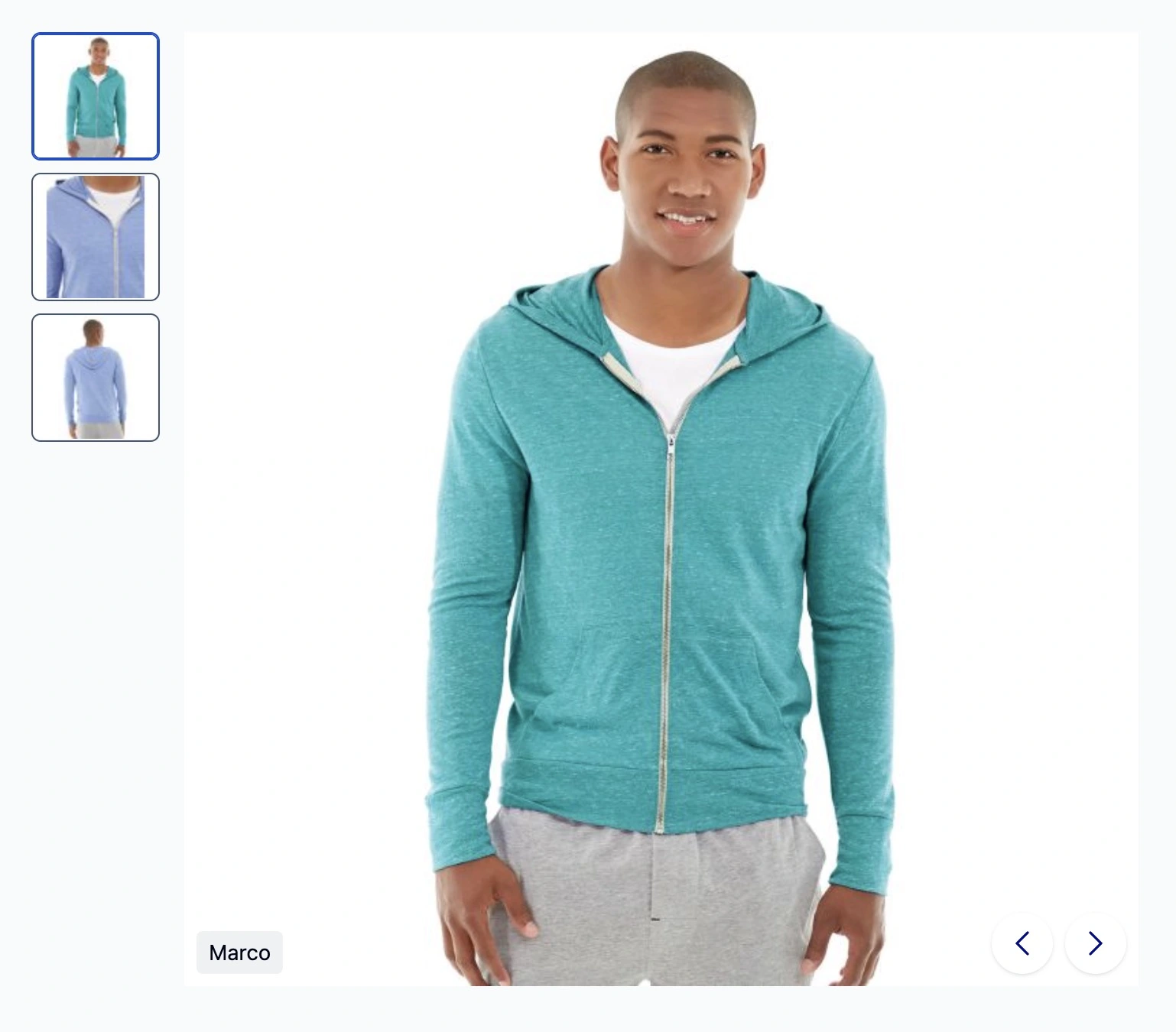
The product gallery is now PHP-rendered and only hydrated by Alpine.js, meaning images are present in the initial HTML for better LCP.
New capabilities include:
- Built-in lightbox with keyboard navigation, loop support, and disabled button states at boundaries.
- Configurable via
view.xmlwith options for loop, caption, pager style, pager direction, navigation position, and maximum thumbnail count. - Vertical thumbnails are now part of the default theme and no longer require Hyvä UI. For custom layouts, animations, and more advanced gallery features, check out Hyvä UI to take your gallery further.
- Custom elements can be added inside the gallery using the new
gallery.additionalcontainer block, making it easy to inject product labels from extension vendors or add a wishlist button directly inside the gallery.
Tailwind CSS updated from v4.1 to v4.3
Tailwind CSS v4.3 adds first-party scrollbar styling, new zoom and tab-size utilities, four new neutral color palettes, extended logical property utilities, font features, and stacked/compound @variant support in custom CSS.
The default theme uses new classes from v4.3 in templates to reduce CSS size. Make sure to update your child theme's Tailwind dependency to v4.3.
Tailwind CSS v4.3 also restores support for .gitignore allowlists, resolving a known issue where Tailwind ignored files excluded by a negated .gitignore pattern. If you use an allowlist-style .gitignore, your build should now work correctly without the workaround described in the 1.4.0 upgrade notes.
Note
The Hyvä NPM package currently still shows a warning related to this. The warning will be removed in the next module update.
For the full list of changes, see the Tailwind CSS v4.3 release post.
Changelogs
Changelogs are available from the CHANGELOG.md in the codebase, or here:
Tooling
Please refer to the Hyvä Theme upgrade docs for helpful information on how to upgrade.