Saving and Restoring Images
Image Editor adds its own save and backup workflow on top of the underlying editor. When you save an edited image you can keep the original filename or create a new file, and Image Editor keeps a backup of the original so you can revert your changes at any time.
Built on Filerobot Image Editor
Image Editor is built on a forked version of Filerobot Image Editor. See the Filerobot Image Editor GitHub page for a demo of the default editing tools (crop, resize, filters, and more).
Save and Save As
The first time you edit an image, the save button offers two options:
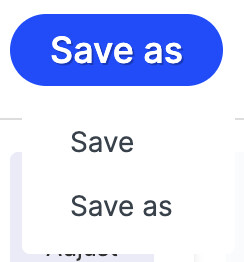
- Save stores the image under the same filename. On your first save, Image Editor backs up the original image.
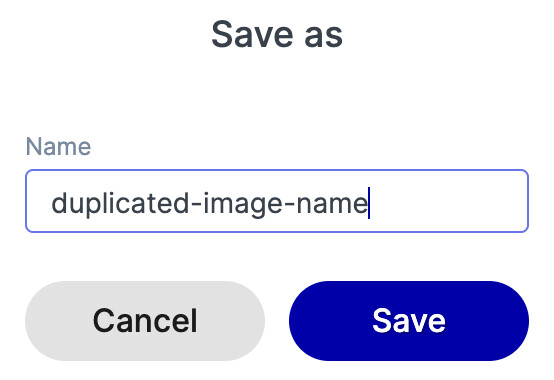
- Save As stores the image as a new file with the name you provide. If a file with that name already exists, Image Editor adds a numeric suffix such as
_1. This is useful for creating variants of the same image (narrow, wide, mobile, and so on).
Restoring from Backup
After the first Save, the save menu shows a Restore from backup option. Selecting it reverts all your changes and restores the file to its original state.
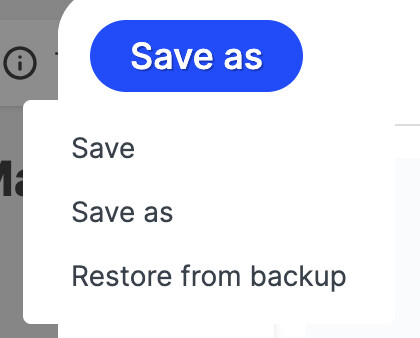
Save As does not create a backup
A backup is only created by Save. Files saved with Save As are new files and have no backup to restore from.