Adobe Commerce Support
Hyvä Enterprise Only
This documentation is only relevant for Adobe Commerce users with a Hyvä Enterprise license.
This page covers Category Merchandiser's compatibility with Adobe Commerce and assumes you have a Hyvä Enterprise license and installed the additional Adobe Commerce compatibility module.
Visual Merchandiser Interoperability
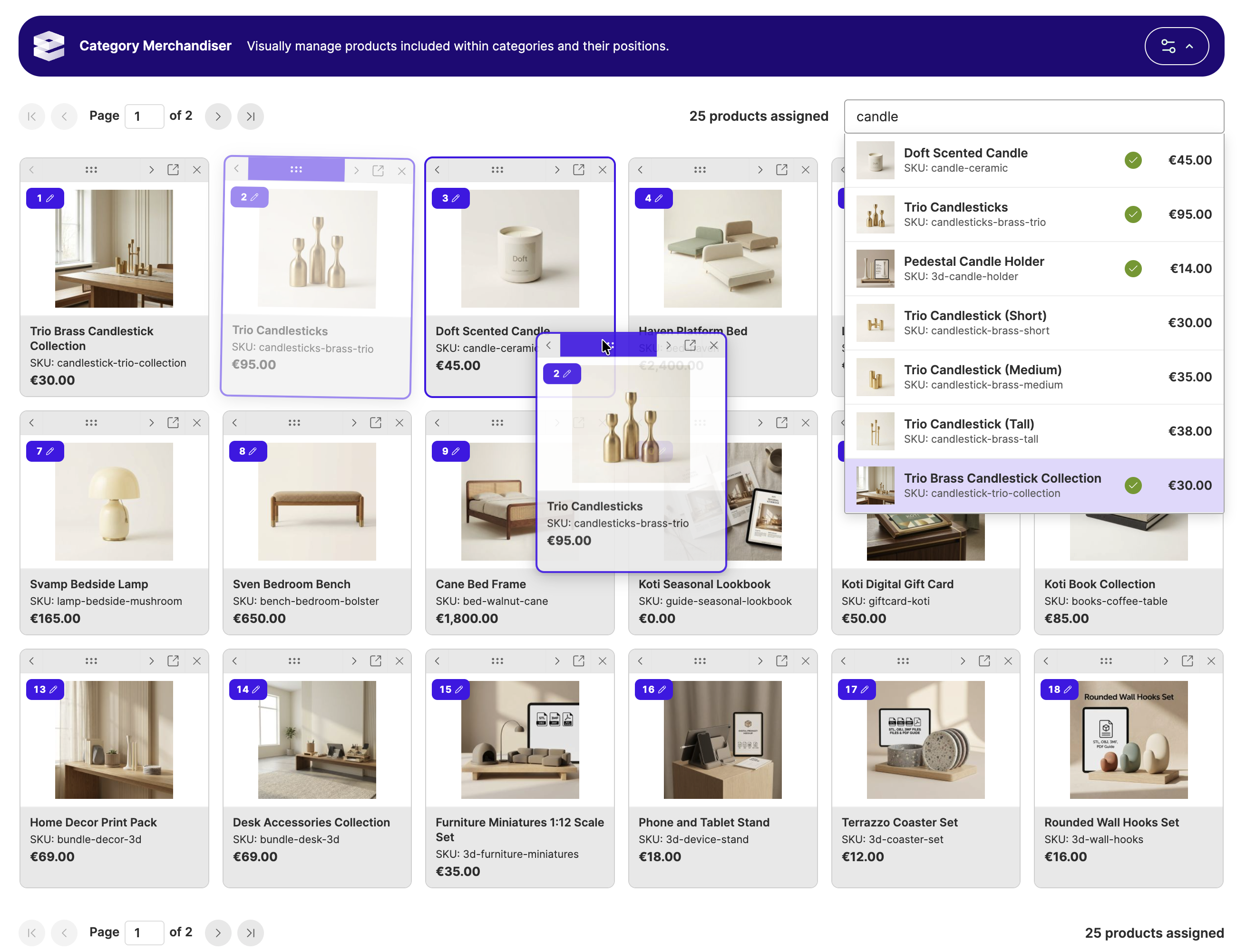
The Category Merchandiser Enterprise module provides compatibility with Adobe Commerce by adding interoperability with Visual Merchandiser, which also replaces the default Magento Open Source 'Products In Category' section on the category admin edit page.
As with the default Magento Open Source module, enabling Hyvä's Category Merchandiser in configuration will remove and replace the Visual Merchandiser functionality. Disabling Category Merchandiser will fall back to Visual Merchandiser.
Visual Merchandiser Category Rules
Adobe Commerce's Visual Merchandiser has a feature called Category Rules (also known as 'automatic' or 'smart' rules).
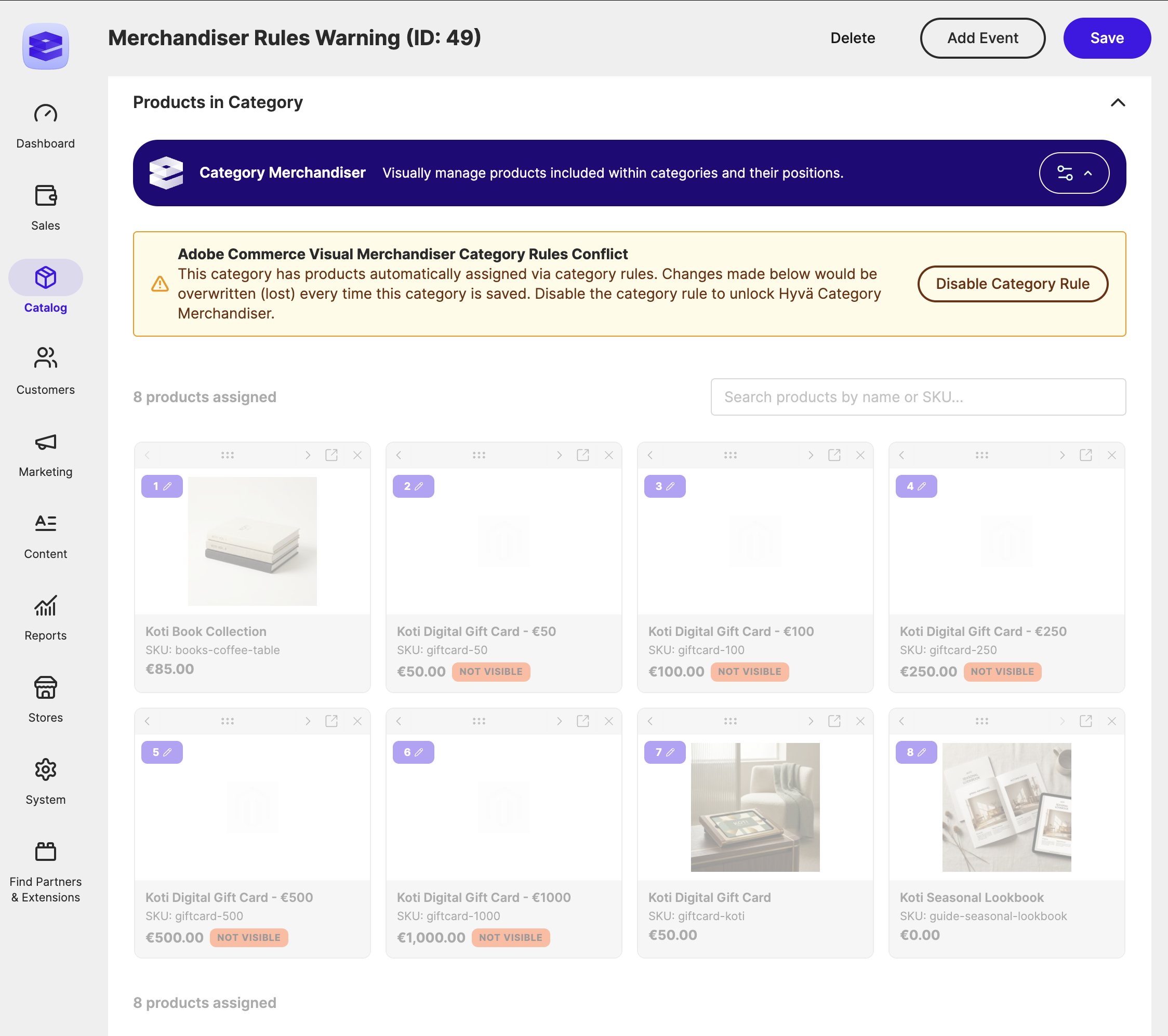
When a category rule is enabled for a category, all changes made in the Visual Merchandiser are ignored as the rule conditions are evaluated and used to populate the category's products on save.
This also applies if Hyvä's Category Merchandiser is enabled and a category rule is still active for a category.
To allow both to co-exist, Hyvä's Category Merchandiser's UI (the drag and drop interface) is disabled when an automatic category rule is active and a warning message is displayed to the admin user. There is a button that allows the admin to disable the category rule and unlock the Category Merchandiser UI. This does not delete the category rule conditions, but simply disables it. To re-enable the category rule, Category Merchandiser must be disabled in configuration to allow the category rule to be re-enabled using the Visual Merchandiser UI.